Description
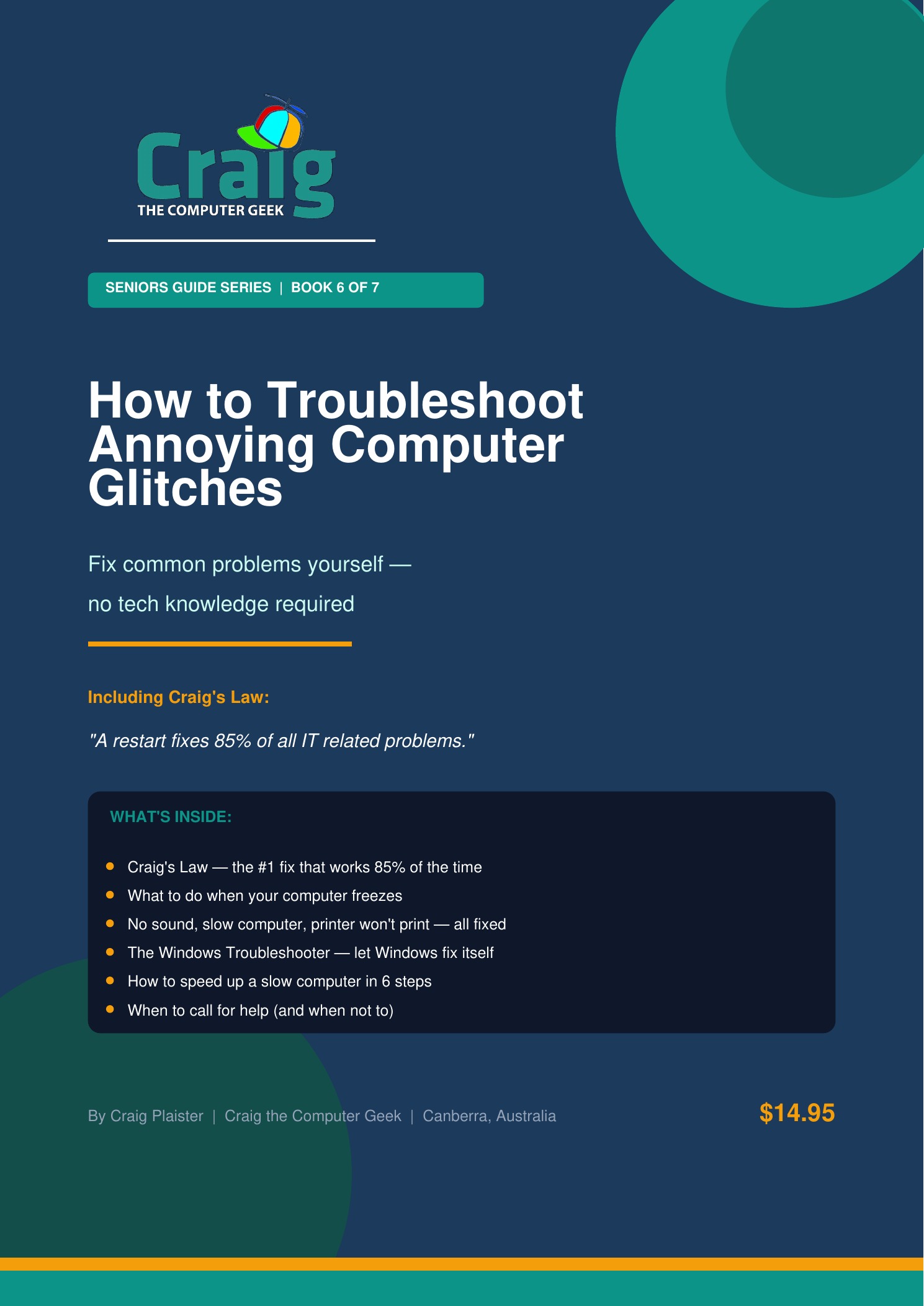
Every computer has bad days. Programs freeze, things stop working, and error messages appear out of nowhere. This guide teaches you a simple, calm approach to working out what’s wrong — and fixing it.
Craig has been troubleshooting computers for nearly 40 years. In this guide, he shares the same logical process he uses every time something goes wrong.
You’ll learn how to:
Work out whether a problem is serious or just a minor glitch
Use the restart-first rule (it fixes more than you’d think)
Deal with frozen programs and unresponsive screens
Understand common error messages and what they mean
Speed up a slow computer without spending a cent
Know when it’s time to call for help — and what to tell the technician
With this guide, you’ll feel far less stressed when things go wrong — because you’ll know exactly what to do next

Reviews
There are no reviews yet.